
01 / THE ORIGINAL
Take a Photo
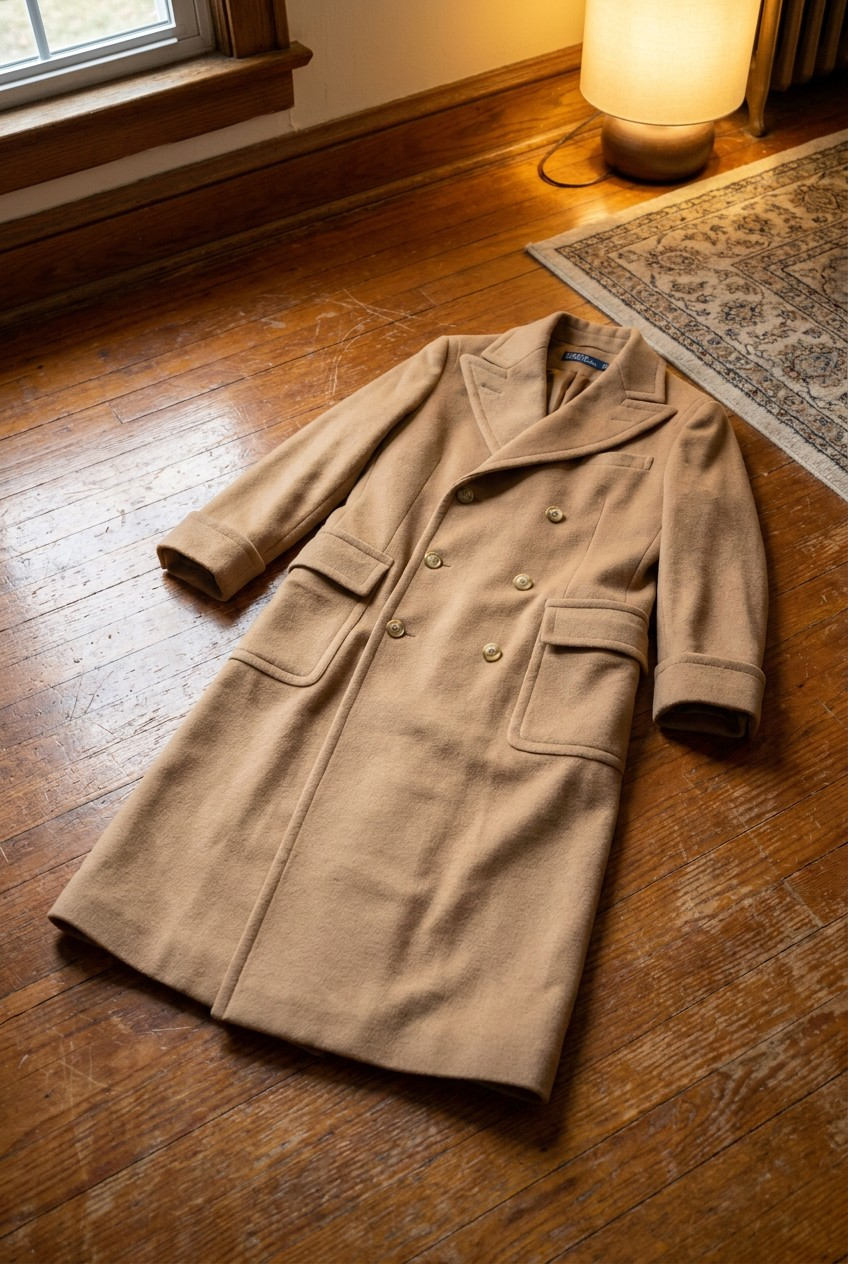
Start with a simple phone photograph of your piece, just as it is.
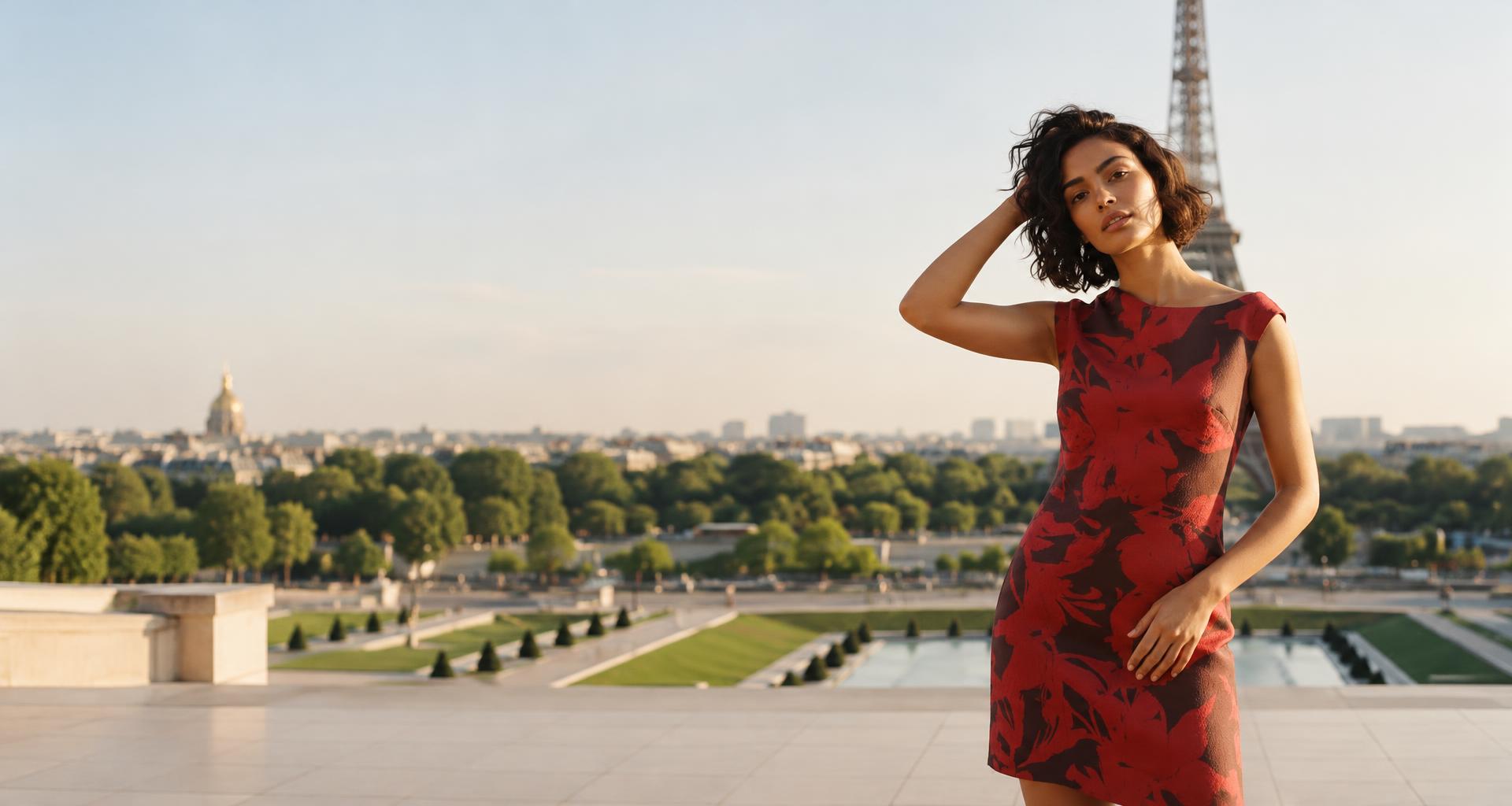
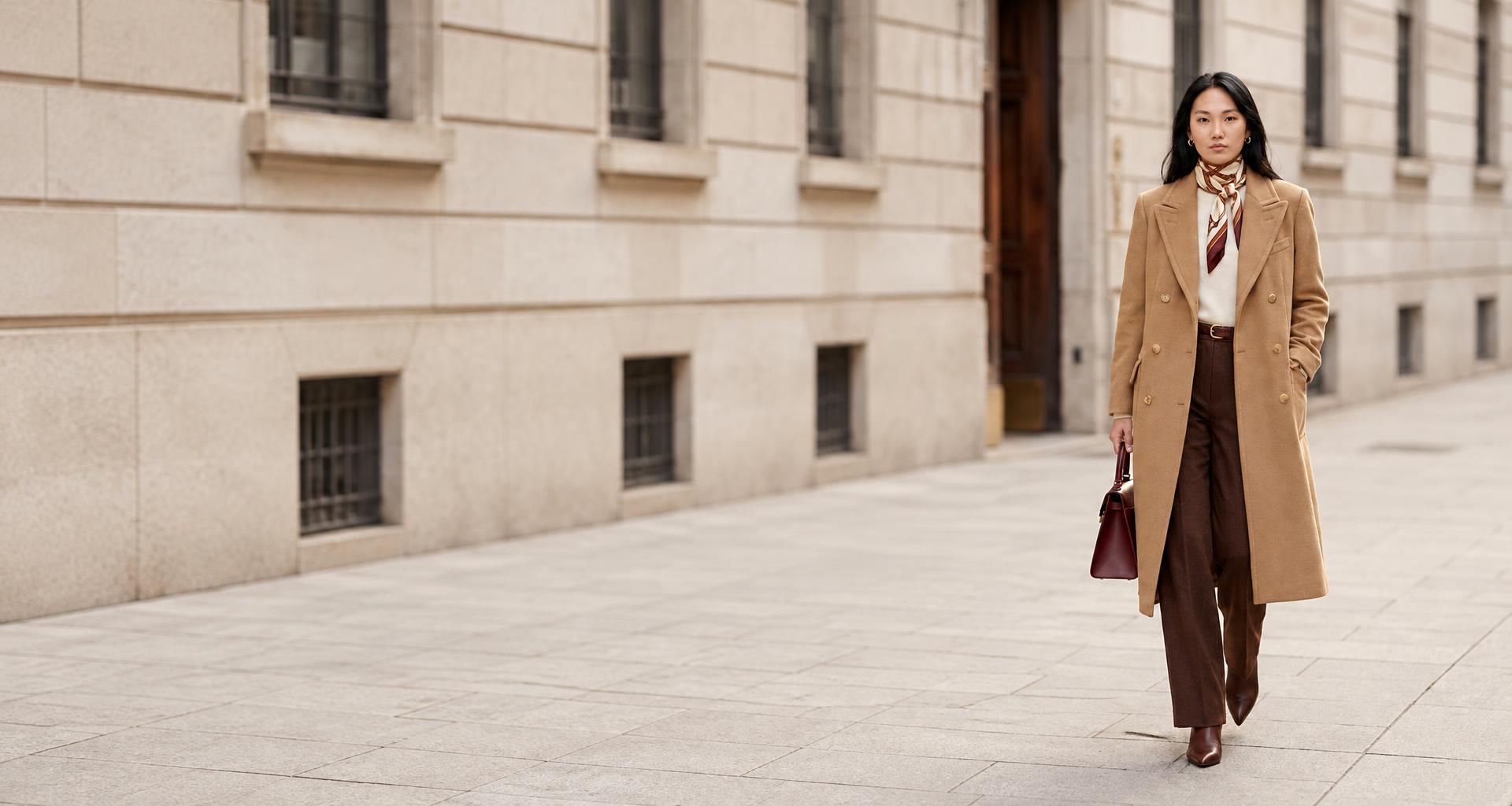
INTRODUCING OUR LATEST PRODUCT -
From one photo.
To a full photo shoot.
Turn product photographs into professional stylish product imagery, video and content. Made for fashion, apparel and luxury. Shaped and defined by your brand. Published directly to your platform and sales channels.
FROM ONE PHOTO TO THE FINISHED PRODUCT ONLINE
01 / THE ORIGINAL
Start with a simple phone photograph of your piece, just as it is.
02 / THE PRODUCT
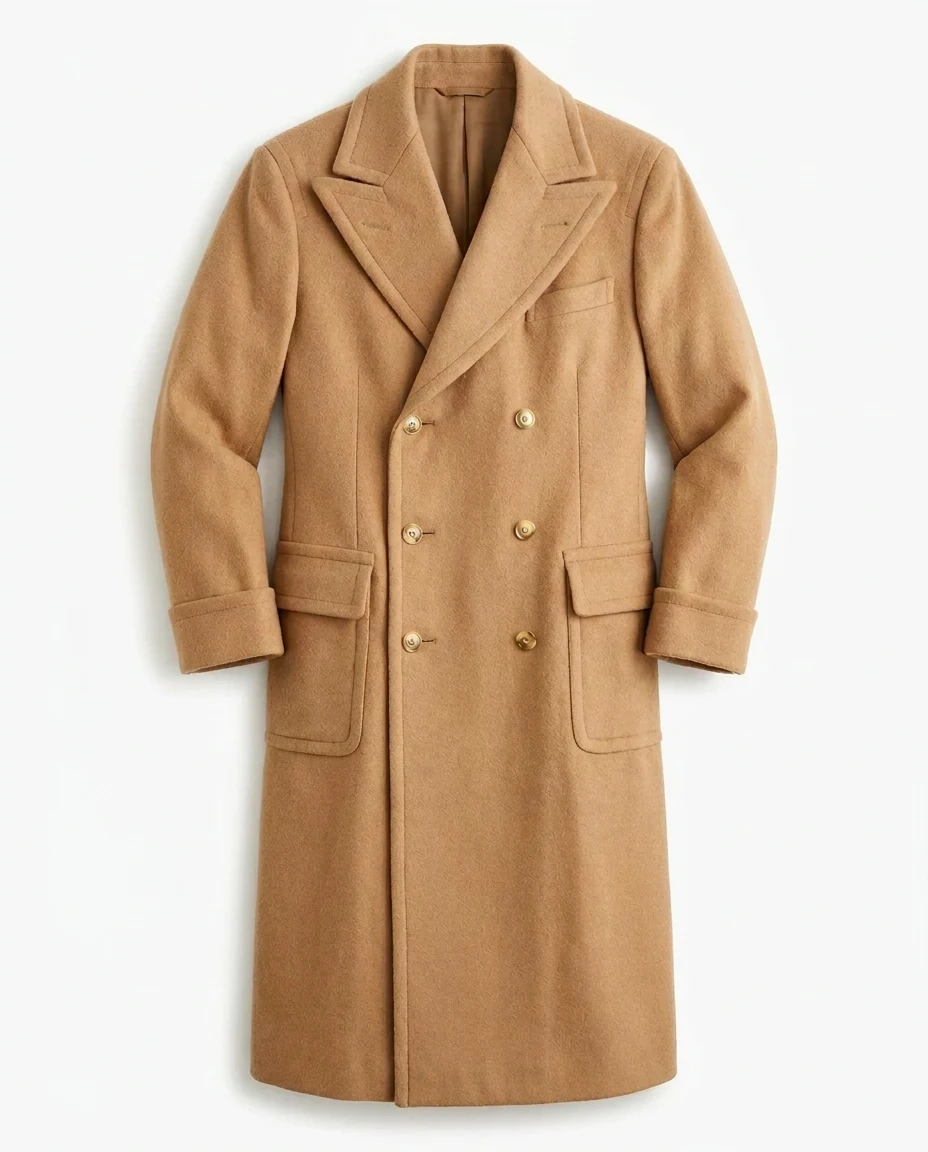
Bring out the details with clean backgrounds, considered lighting and product angles.
03 / THE COLLECTION
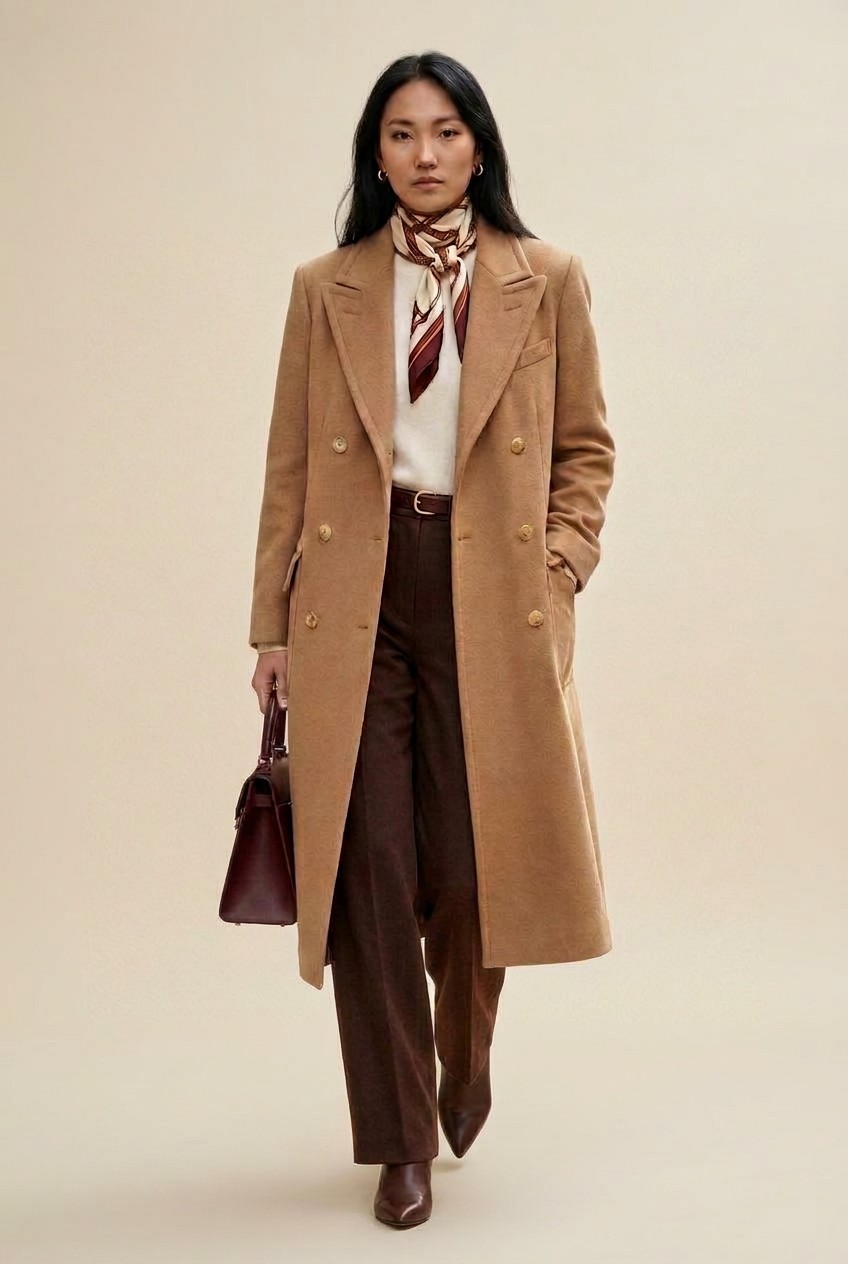
Create styled model imagery against a clean studio background, ready for review and publishing.
04 / FASHION SHOOT IMAGE
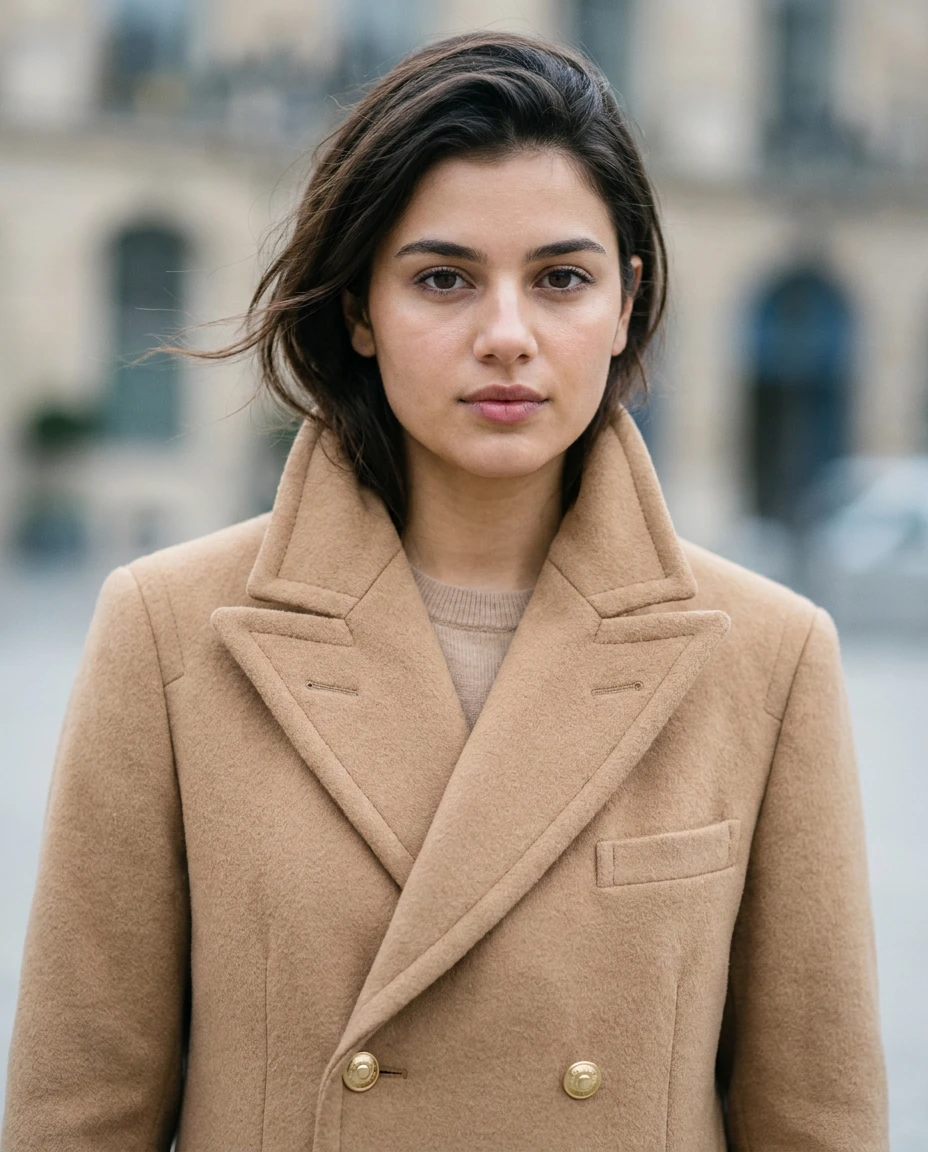
Choose a location and style template, then bring your product into a styled fashion photograph.
05 / MOVING IMAGE
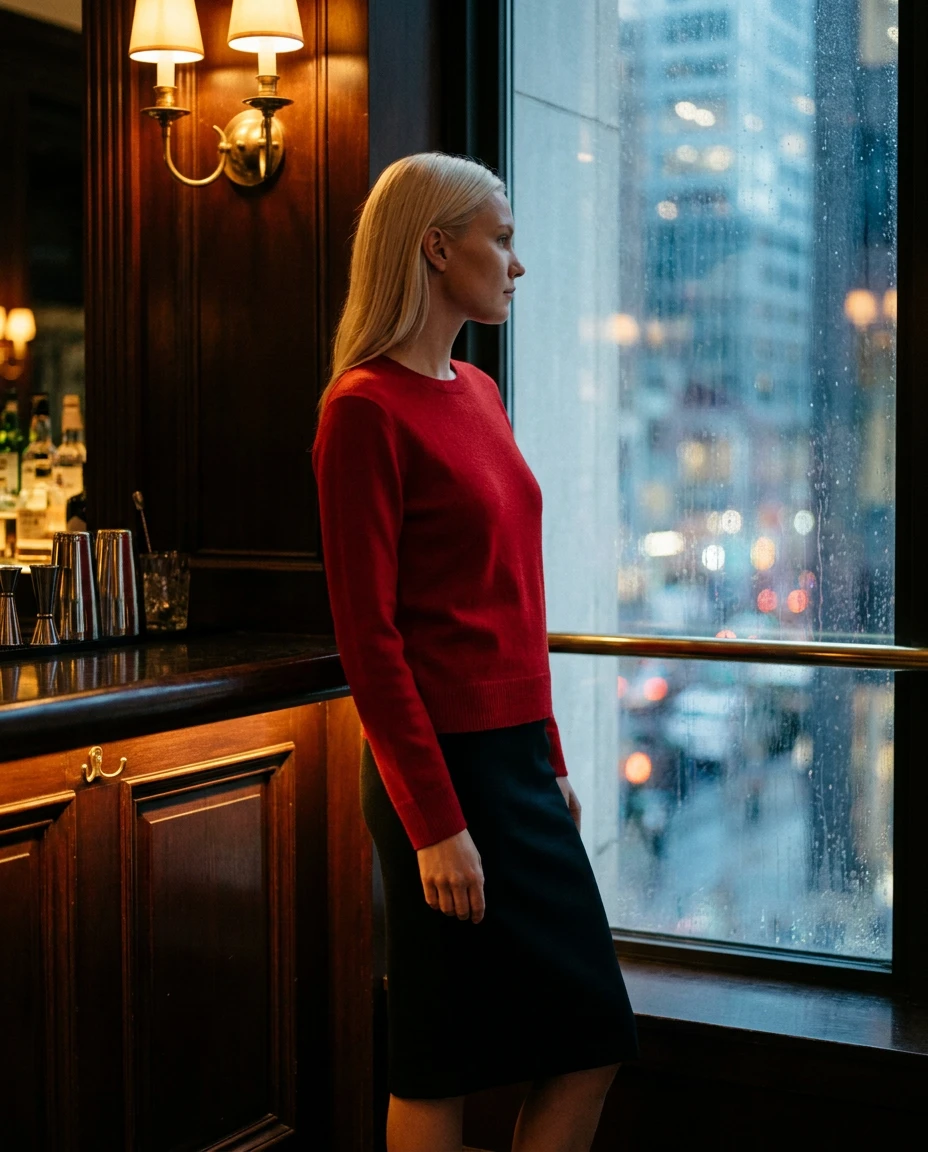
Bring the same creative direction to a moving image, with a gentle camera move across your fashion look.
06 / VIDEO
Tell your collection’s story through fashion video, with model and fabric movement in the same setting.
All Imagery and videos created with RunCommerce Studio.
Model selection
Choose from one of our RunCommerce models for your brand, create your own with our tools or bring your own model photography to bring your products to life.
Sofia
Oliver
Claire
Maya
Theo
Freya
Examples of RunCommerce Studio AI Generated models
Ask about our AI generated modelsModels we are integrated with
 Gemini
 ChatGPT
 Claude
 DeepSeek
 Mistral
 Qwen
 Flux
 Grok
 Kimi
Studio brings image, video and language capabilities into one workflow, so your team can focus on the collection rather than juggling separate tools.
RunCommerce Studio is built to be able to use any LLM depending on the requirements of each customer.
Ask about Studio integrationsCase studies
Some recent imagery created using RunCommerce Studio.
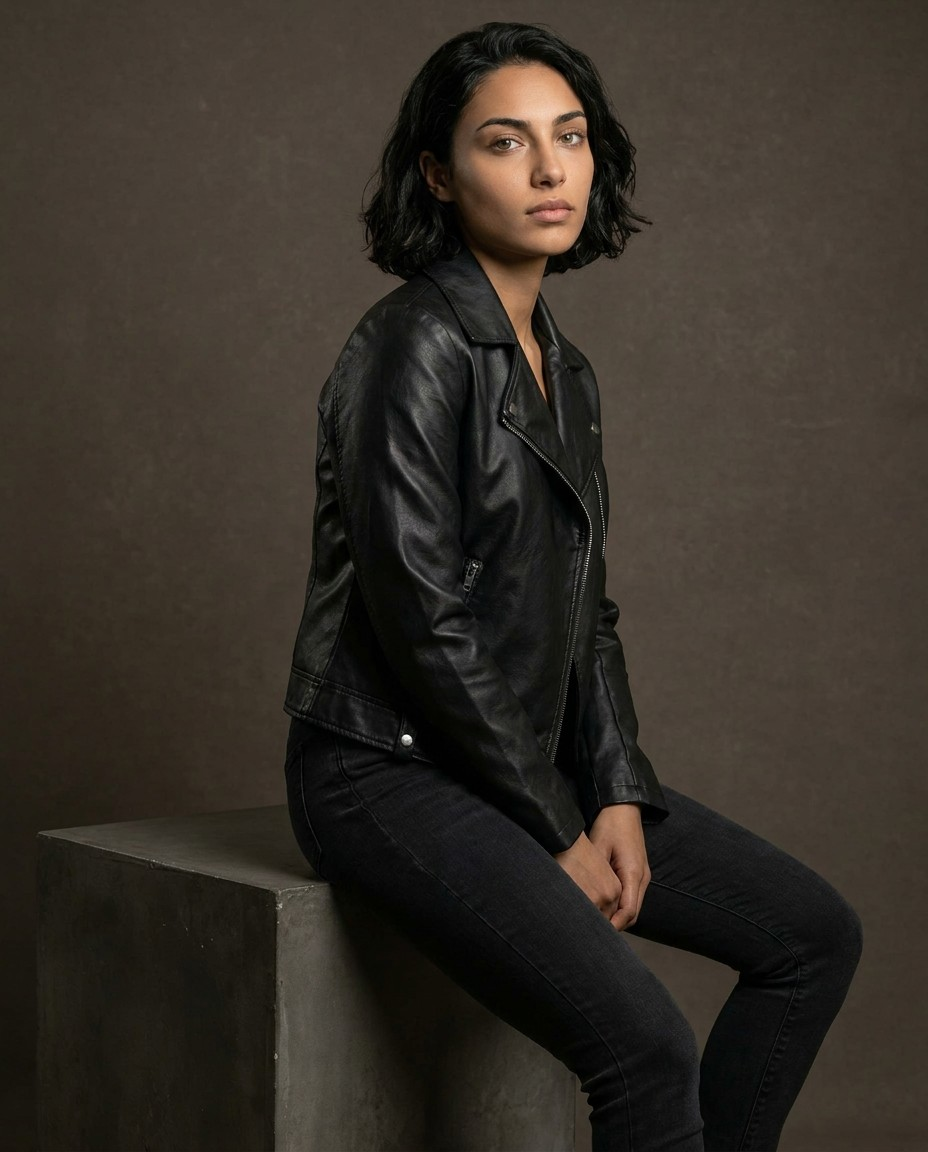
Clean AI Generated Studio Shots
Take a new collection from product photography to a consistent set of model images and descriptions in hours vs months.
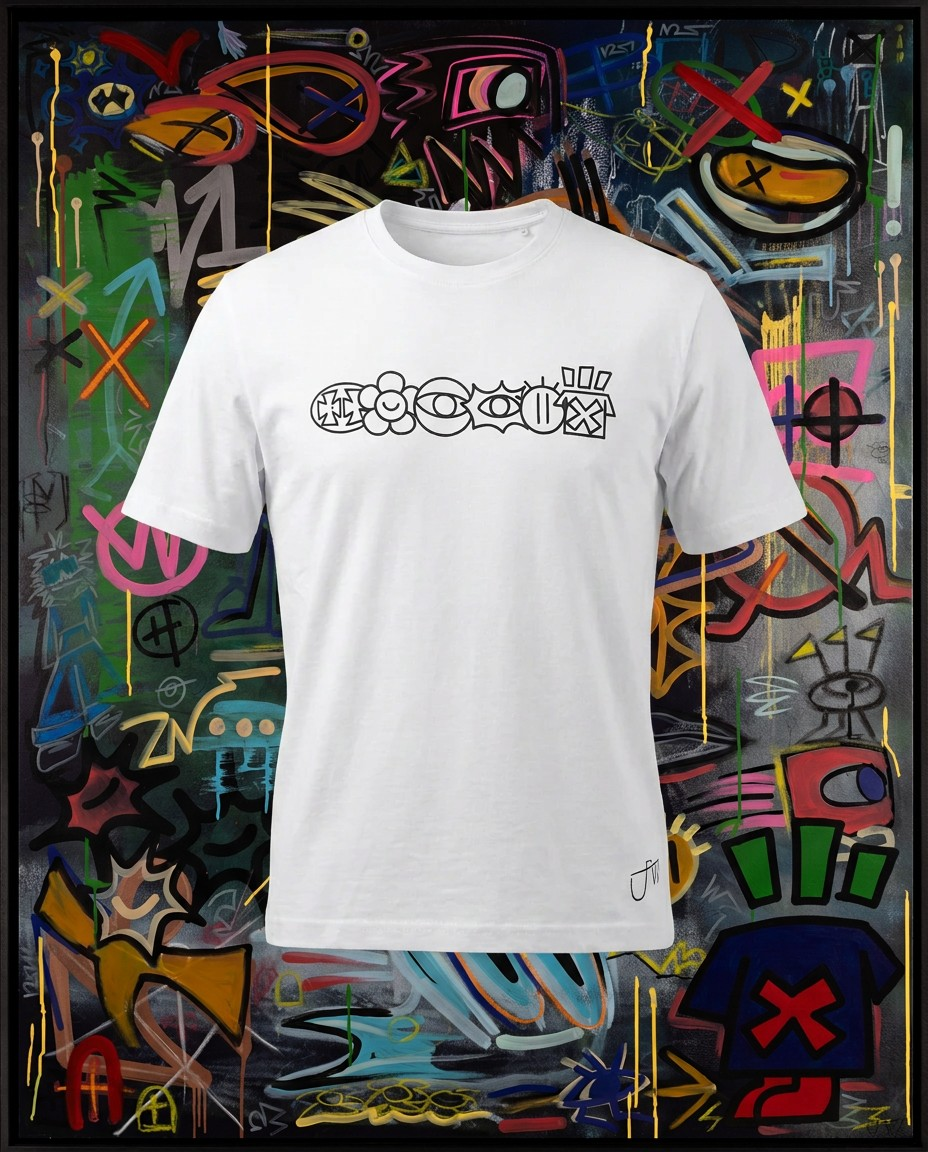
Fashion Brands and Artist Collaboration
Make the process of working with partners and collaborators so much easier with our RunCommerce Studio tools.
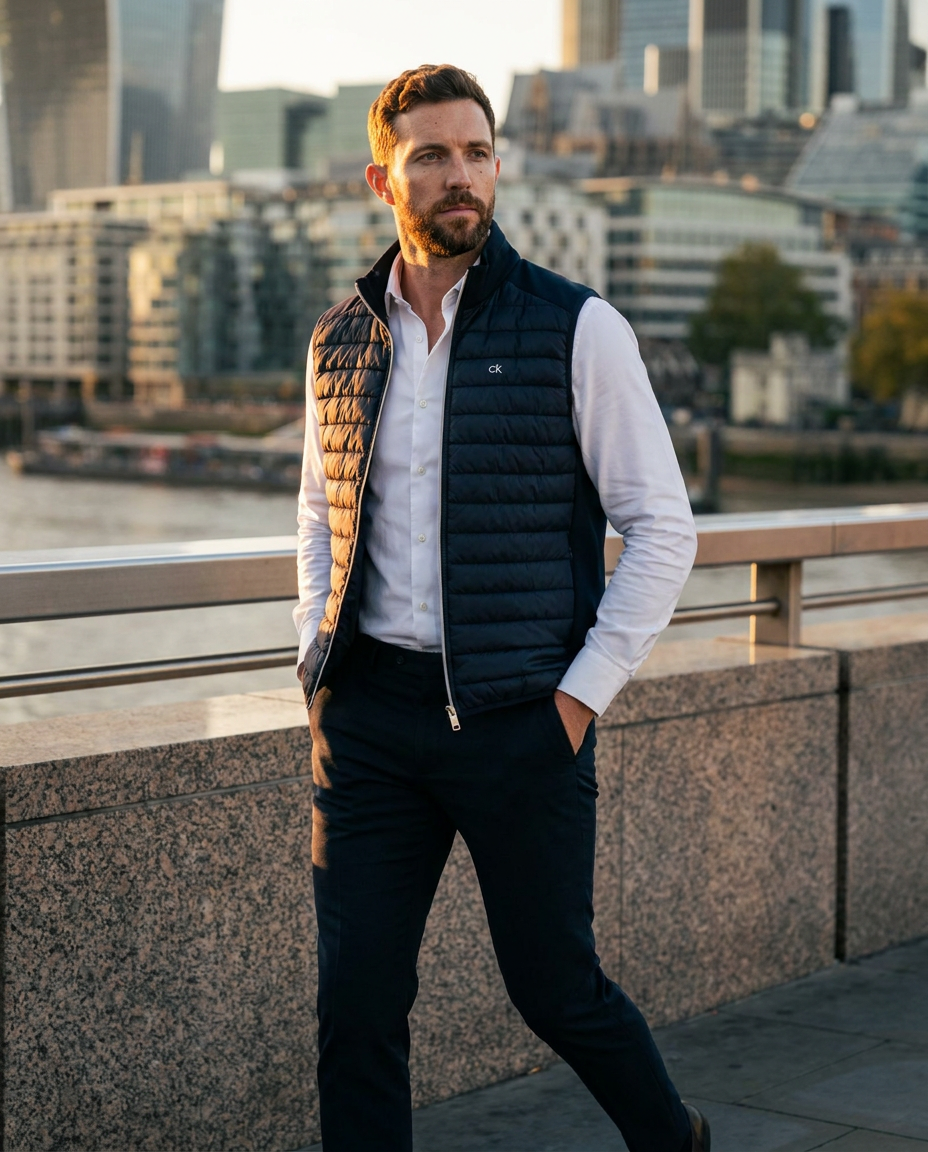
Increase conversion in each country with local imagery
Build a distinctive set of country specific images to drive conversion by placing your product in a localised and recognisable setting.
Your next collection starts here
Show us your products and tell us where you want your brand to go. Let’s explore what RunCommerce Studio can create for you.
Let’s talk about StudioLooking for our wider commerce platform and services? Explore RunCommerce Autopilot
Next step: RunCommerce Search
With RunCommerce Search, we take all of your inputs, from product photos and details to brand wording and target markets, and turn them into fully published product and content pages, optimised for both AI answers (AEO) and search engines (SEO).
Explore RunCommerce SearchPhotos, product details, brand wording and markets.
Imagery, descriptions, titles and translations from Studio.
Structured for search engines and AI assistants.
Live product and content pages, everywhere you sell.
Frequently asked questions
AI fashion photography uses artificial intelligence to create or adapt fashion imagery from source photographs and creative instructions. RunCommerce Studio brings this together with video and written content: start with a product photo, choose your creative direction, review the results and prepare them for publishing.
RunCommerce Studio is designed for fashion, apparel and luxury teams, including brand owners building their collections. It helps explore polished product and campaign imagery without organising every element of a new shoot. The quality depends on the source photos, creative direction and review.
You do not need specialist terminology to discuss your collection with us. Bring clear product photographs, examples of your brand style and an idea of where you want to publish. Your team's knowledge of the garment and brand remains important for checking the results.
An AI image generator creates images; a fashion content workflow also covers the steps around them. Studio brings imagery, video, descriptions, languages and publishing connections into a joined-up process, with your team reviewing the collection before publication.
AI can help with styled variations and reduce some production work, but it does not replace every photoshoot. Original photography remains important for accurate product references, intricate details and channels that require real product photographs. Your creative team still directs and approves the final results.
Yes. A clear phone photograph can be the starting point for Studio's styled imagery. Place the garment naturally on a table, keep it well lit and make sure its shape and important details are visible. Blurred or obscured products give the AI less reliable information.
Use even lighting and an uncluttered background, with the whole product clearly visible. Lay clothing naturally and show a handbag's shape, strap and fastenings. Include close-ups where details matter, and avoid filters that alter colour or texture.
One photograph can start a range of creative directions, but it cannot show every unseen detail. Extra views and close-ups are helpful for backs, fastenings, labels and textures. Check each generated view rather than assuming the AI has reconstructed the product accurately.
Provide verified details such as the product name, materials, colour, sizing, care instructions and distinctive features. Accurate source information helps create useful descriptions and gives your team a reference when reviewing the imagery.
Studio is designed to take a product photo towards publishable content in minutes. A full collection takes longer depending on the number of products, outputs, revisions and your approval process. There is no fixed turnaround promised for every shoot.
You can explore clean product images, styled settings and model shots for different fashion categories. Suitability depends on the product and source photos, so ask our team about your collection and review construction, materials and details before publishing.
A clear garment photo can be the starting point for exploring on-model imagery in Studio. Generated drape, proportions and fit need careful review against the actual garment. An AI model image does not prove how an item will fit a real customer.
Model selection is part of the Studio creative workflow. Discuss the look and audience you want to represent with our team, who can confirm the available options for your shoot. Check that the results suit your collection and represent the clothing accurately.
You can bring your own model imagery where you have the necessary permissions. Confirm that consent covers the intended AI use and publication, and review the results for likeness, garment appearance and suitability before sharing them.
Video content is part of the Studio offering alongside still imagery and written content. Share your intended website, campaign or social use with us so we can confirm suitable outputs. The homepage motion previews are illustrative animations from still images, not footage generated by Studio.
Use your brand colours, styling references and creative direction to guide the shoot. Studio supports brand-specific sets and themes, helping you carry a recognisable look across your collection. Your team reviews the lighting, composition, materials and final imagery.
Studio supports sets and themes shaped around seasonal creative direction. The homepage's Autumn/Winter examples use traditional mountain lodges, wool jumpers, scarves and hats. They are AI-generated creative references, not verified customer campaigns or a live demonstration.
You can explore lighter fabrics, elegant architectural settings and understated styling as a Spring/Summer direction. The homepage shows illustrative seasonal imagery alongside clean studio and campaign themes. Ask our team to confirm the options available for your workflow.
Start with clear source photos and accurate product information, then review every output against the real item. Pay attention to skin, hands, lighting, colour, fabric, seams, logos and fit. AI can invent details, so realism and exact product accuracy are not guaranteed.
Studio supports saving a theme and carrying its creative direction through your next collection. Consistent references help guide lighting, mood and styling, but each product image still needs review for accuracy and brand consistency.
Yes. Studio helps create product descriptions and other written content from the details and brand direction you provide. Review every claim, material, measurement and care instruction so that the published copy is accurate and sounds like your brand.
Studio helps prepare clear product descriptions, useful search titles and accurate product information. SEO means search engine optimisation: helping search engines understand your pages. Better content supports search readiness, but rankings also depend on your website and other factors.
AEO means answer engine optimisation. For fashion brands, it involves clear, useful answers about products, materials, care and brand information that AI assistants can understand. SEO focuses on search engines; both benefit from accurate details and well-structured content.
Clear, accurate content can help search engines and AI systems understand your brand. No tool can guarantee a Google ranking or inclusion in ChatGPT or other AI answers. Visibility also depends on indexing, website quality, reputation and the systems selecting the answers.
Yes. Multilingual content and publishing are part of the Studio workflow for international growth. Your team should review translations, fabric names, local terminology, sizing and brand voice. Ask us to confirm the languages and publishing requirements for your chosen markets.
LinkCommerce is RunCommerce's integration layer, connecting the content workflow with the online stores and marketplaces where you sell. It carries approved content towards your connected channels. Our team confirms the connections and publishing requirements for your setup.
Studio prepares imagery and written content for connected sales channels through LinkCommerce. If you use Shopify or another platform, tell us your setup so we can confirm the connection, supported content types and publishing requirements. Availability is not assumed for every configuration.
Rules depend on the marketplace, product and intended use. Each channel has its own image, disclosure and listing requirements; some require original photographs of the actual item. Check the current rules and review your content before publishing. No AI tool can guarantee marketplace compliance.
Commercial use depends on the applicable tool terms, rights in your source photos, model permissions and publishing rules. Confirm these before publication, and avoid unauthorised use of brand assets or likenesses. Ask our team about the terms for your proposed Studio workflow.
A fixed Studio price is not currently published on this homepage. Contact our team with sample product photos, your collection size, required imagery and video, languages and sales channels. We can discuss availability, your workflow and pricing without assuming a standard cost for every collection.